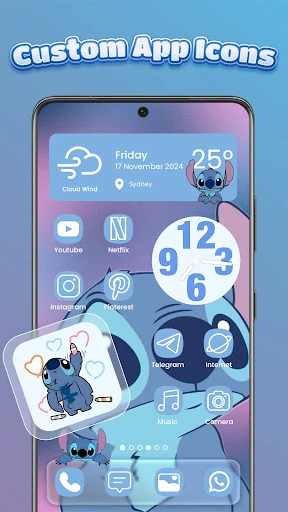
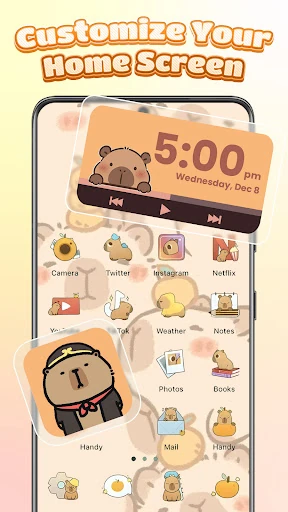
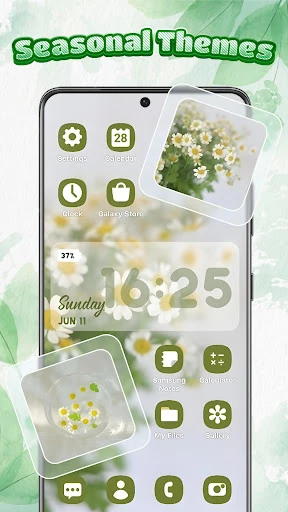
Change the look of your home screen
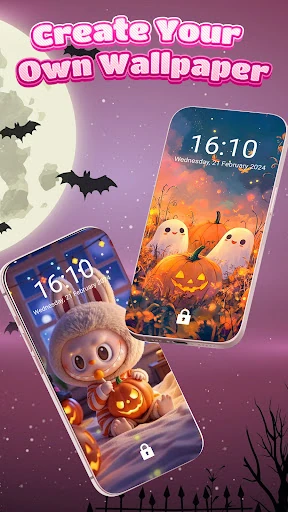
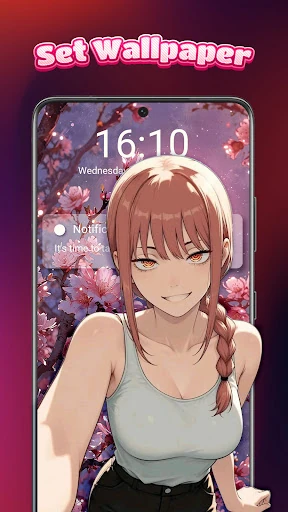
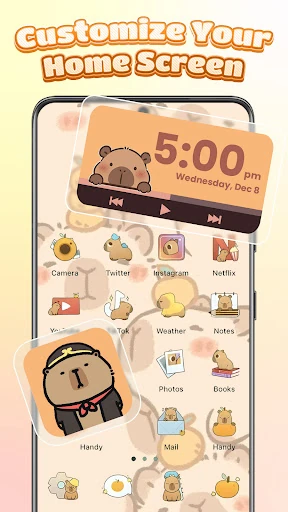
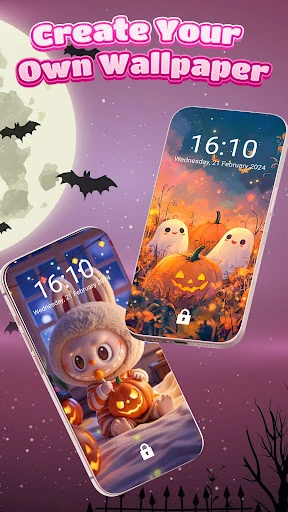
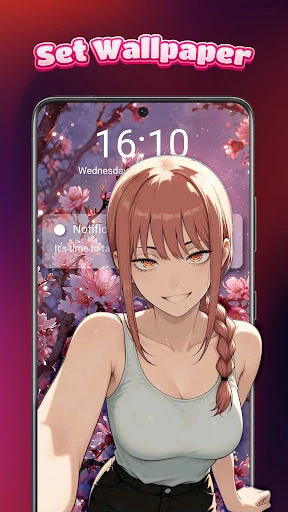
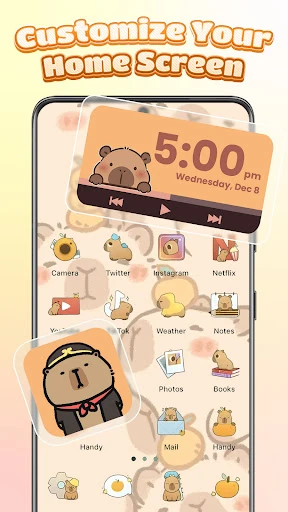
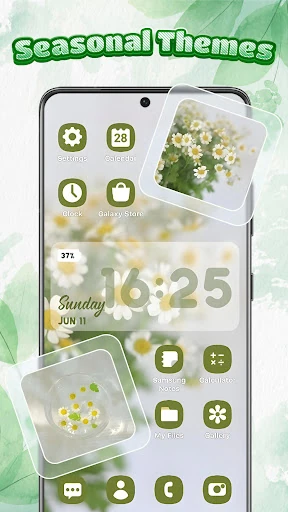
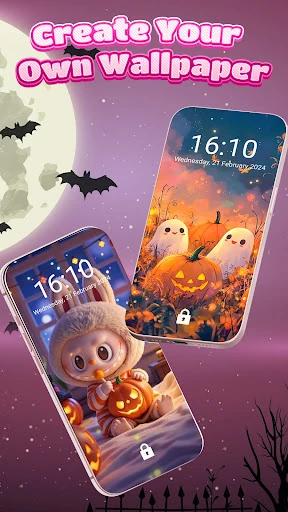
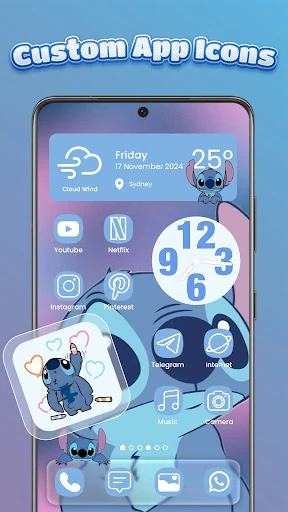
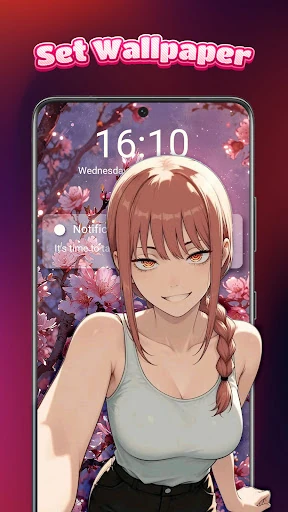
Themebox - App icons, Widgets is a personalization app for people who want to restyle their Android home screen without changing how their apps work. It brings together icon designs, themes, wallpapers and widgets, with looks ranging from pastel and minimalist to neon and anime. The app is made by Fusion Flow Tech.
Icons and themes
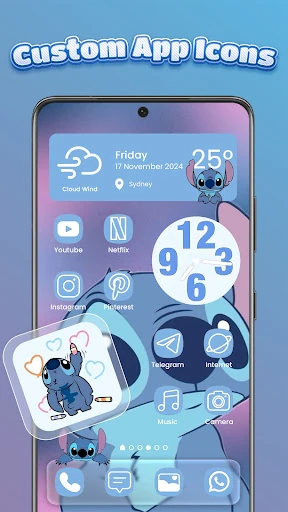
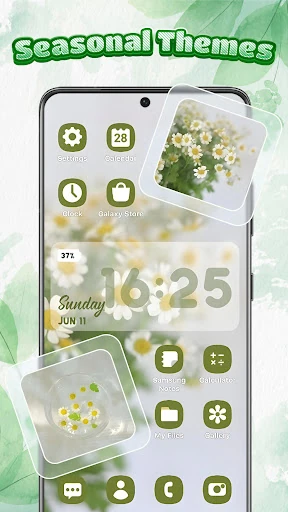
You can choose an icon pack or adjust individual icon details such as its background, color, transparency and font. You can also change the displayed name. These changes affect the home screen’s appearance; they do not change what an app does. Themebox lists more than 1,000 themes and styles, so it suits people who like to experiment, though you can skip the theme browsing if you only want a small visual tweak.
Widgets and quick controls
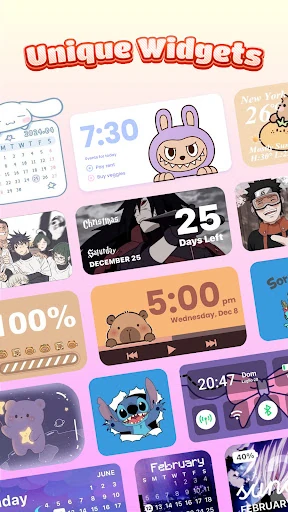
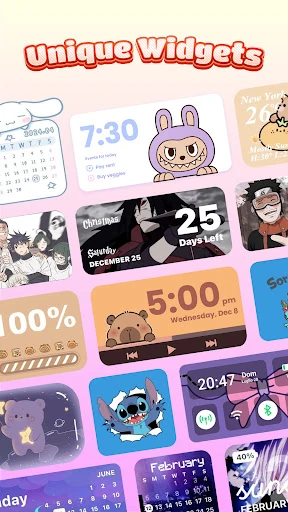
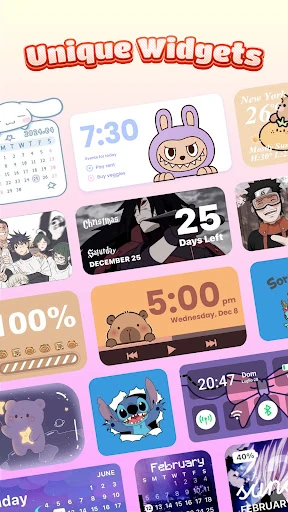
Widgets include battery status, calendar and weather, controls, and images chosen from your gallery. They put selected information or pictures on the home screen, where they are visible without opening Themebox. To use an image widget, you’ll need to let the app access the pictures you want to display. A floating control center offers another way to reach device settings; it is optional if you prefer Android’s usual controls.
Is it for you?
Themebox is best suited to home-screen customization, rather than managing apps or changing phone settings in depth. Its 4.7-star rating from about 138,000 reviews and 5 million-plus installs suggest it has found a large audience, but those figures don’t tell you whether its styles will suit your taste. Start with icons or one widget if you want a modest change; the broader theme and wallpaper collection is there if you enjoy redesigning the whole screen.