Advertisement
Click to download now, finish the installation quickly, and directly unlock the all-round experience
Advertisement
Screenshots
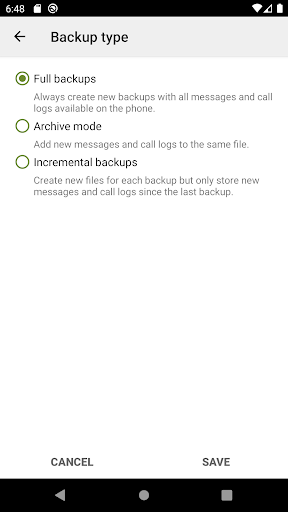
Click to download now, finish the installation quickly, and directly unlock the all-round experience
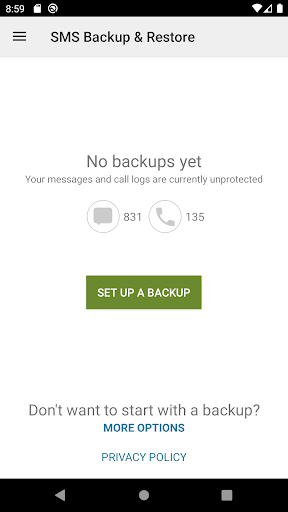
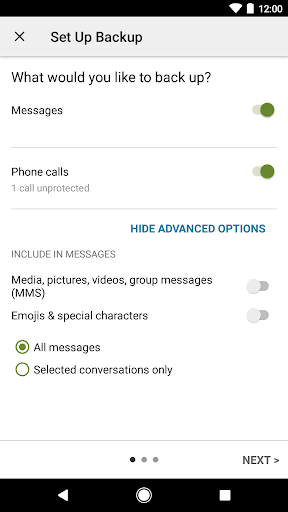
SMS Backup & Restore makes XML copies of SMS and MMS messages and call logs on your phone. You can back up selected conversations, rather than everything, and later restore selected items from a backup. It suits people who want a separate copy of their messages or need to move them when changing phones.
The app is developed by SyncTech Pty Ltd. It has a rating of about 3.9/5 from 132,117 ratings and more than 10 million installs.
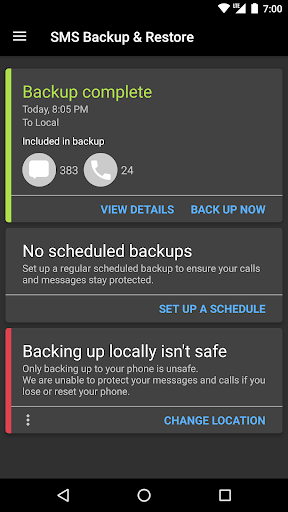
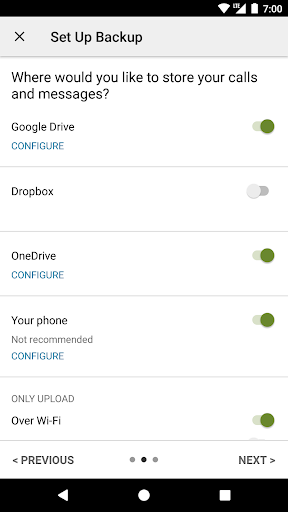
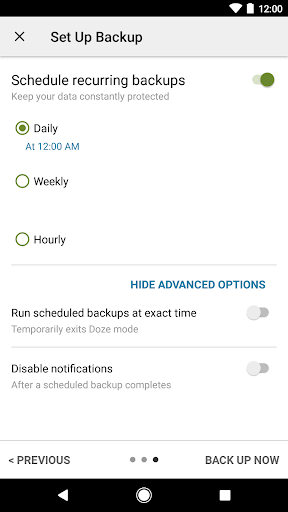
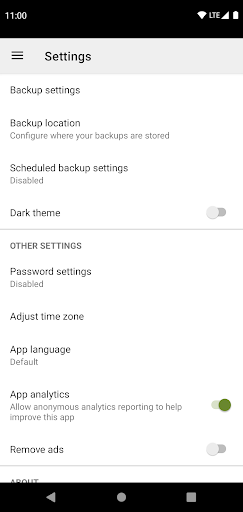
Backups are saved on the phone by default. You can set a recurring schedule and choose to upload copies to Google Drive, Dropbox or OneDrive, or email a backup file. A local copy is useful for quick access, but it may disappear if the phone is lost or reset. Keep a copy somewhere outside the phone before a factory reset.
The app says backup files are not sent to its developer. Cloud storage and email are optional destinations you choose; using them means relying on those services to keep your copy accessible.
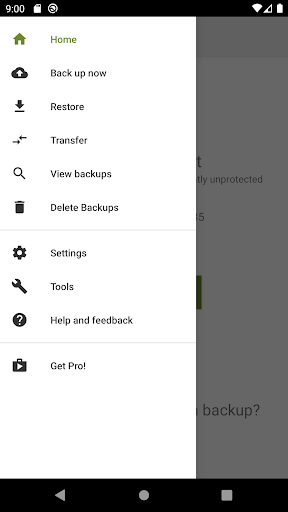
Restore requires a backup file made by this app. It cannot recover messages or call history that were deleted before a backup existed, or restore from an unrelated backup format. The XML format can be transferred between phones and is not tied to a particular Android version. The app also offers a direct Wi-Fi transfer between two phones.
To make and restore copies, the app needs access to messages, call logs, contacts and storage. Contacts let it include names alongside numbers; network access is relevant if you use online storage or Wi-Fi transfer. Scheduled backups also need the app to run at the chosen time. If you only want to keep a manual local copy, scheduling and cloud upload can be ignored.